
How to charge a rental electric car in Belarus
Prepare the connector, charging app and payment before departure. Check stations along your route and learn how to start and finish a session.
AnyCar teamPublished Updated
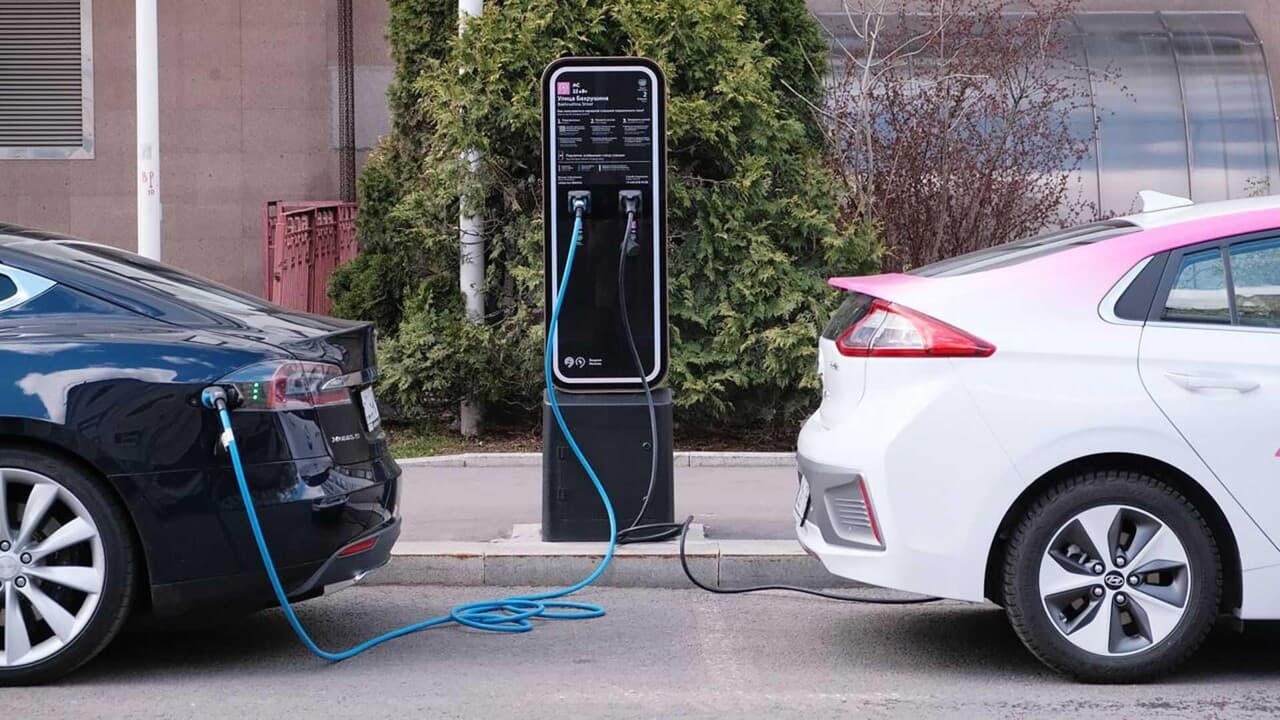
Where can you charge a rental electric car, and what should you prepare before setting off? Check the car's compatibility with charging stations, set up payment and choose a backup stop. At pickup, ask us to demonstrate the full charging process on your car.
Start with the connector
Choose stations that match the connector on the particular car. Check which cables are included in the rental and which stations they work with. If you need an adapter, agree on compatibility and availability before your trip.
Ask us to show how to open the charging port, connect the cable and end a session. Make a note of the steps or save the instructions. This will help if an app or station displays a message you have not seen before.
Set up the app and payment
Install the operator's app before departure and check that you can sign in. Set up a payment method if required and confirm that your card works. Registration and contact with support may require mobile internet.
For example, the official Malanka New app lets you search by connector and power, view the tariff and monitor a charging session. Your route may include other operators' stations; check their access and payment rules separately.
Choose a main station and a backup
Check the connector, operating status, site access and tariff before departure. Find the entrance and make sure you can reach the station at the time you need it. Choose a backup you can reach with the charge you expect to have left.
A map listing cannot confirm that a connector will be free when you arrive. Check the station again in the app before stopping. Arrange hotel charging with the property: ask about the connection type, access hours and price.
What to check during charging
- Find the station and connector in the app, matching the number on the equipment.
- Connect the car and start the session using the station and vehicle instructions.
- Confirm that charging has started by checking the station, app and car displays.
- End the session as instructed and wait for the cable to unlock before disconnecting it.
- Check that payment has been completed, put the cable away and free the space.
Connection and starting procedures can differ. Follow the instructions for the station you are using; never force out a locked cable.
Battery reserve and stopping time
Temperature, speed, load and heating affect energy consumption. Keep enough charge for a diversion or an alternative station. Stopping time depends on the car, station and battery level, so one charging time will not apply throughout your journey.
If you combine charging with lunch or a walk, monitor the session. Check the operator's rules for occupying the space after charging ends and return to the car in time.
If charging will not start
Check the selected connector, station number and app messages. If the error persists, contact the operator's support team and provide the station number. Contact AnyCar about the vehicle. Do not attempt to repair a cable or charging port yourself.
Use your prepared backup if the station is unavailable. Before returning the car, check the agreed battery level and allow time for inspection. Read the return terms and explore routes in Belarus.